
BRILLER / Compare
Briller vs Interior AI
Interior AI gives you plenty of room designs to explore, with staging, editing and presentation tools across its paid plans. Briller helps you carry a chosen look into material choices and practical decisions for the room you have.
Room photos and virtual staging
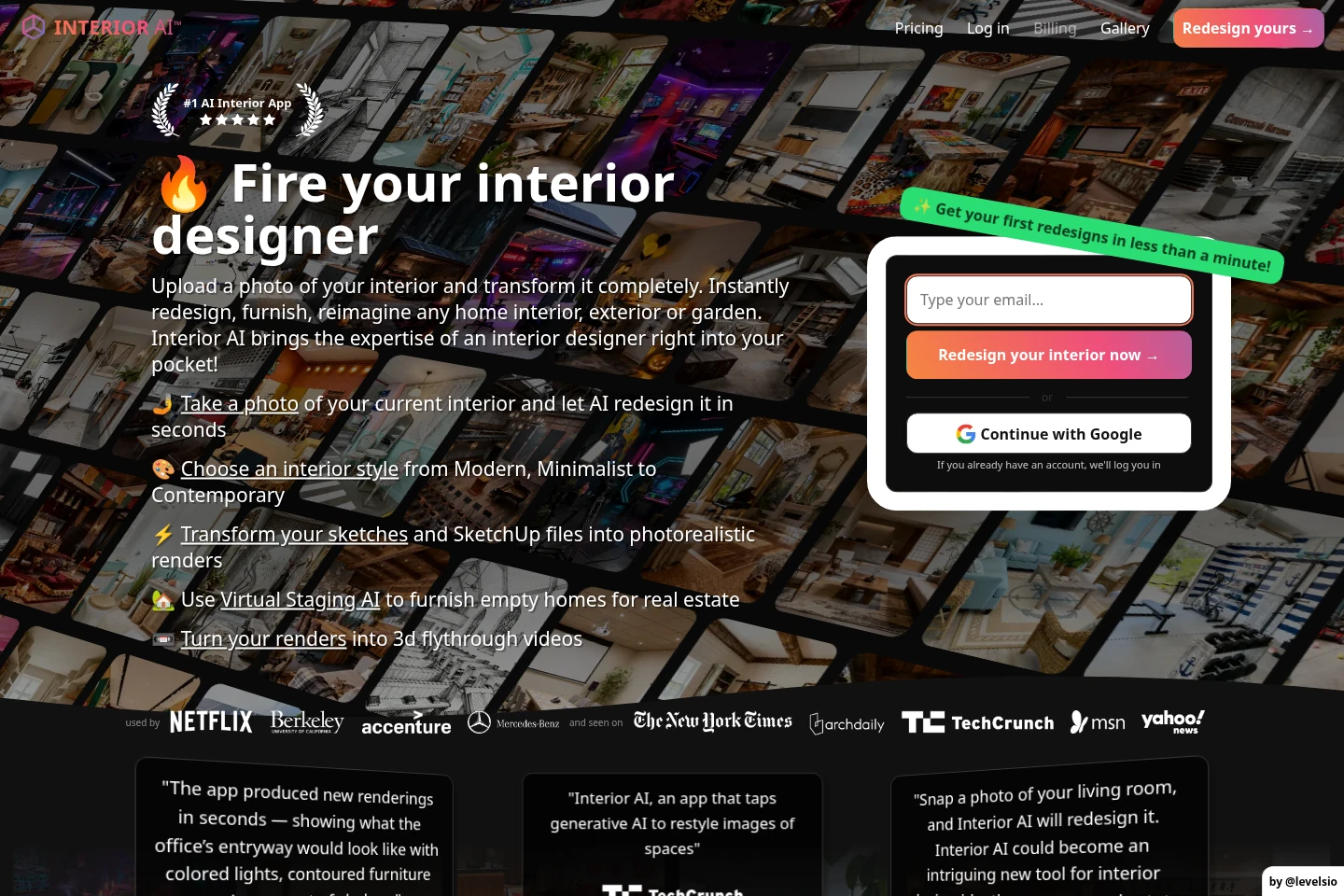
Interior AI works from a room photograph and offers style presets, custom prompts and style remixing. Its virtual staging tools are useful when an empty room needs furnishing for a listing or presentation. It also advertises rendering from sketches and SketchUp views.
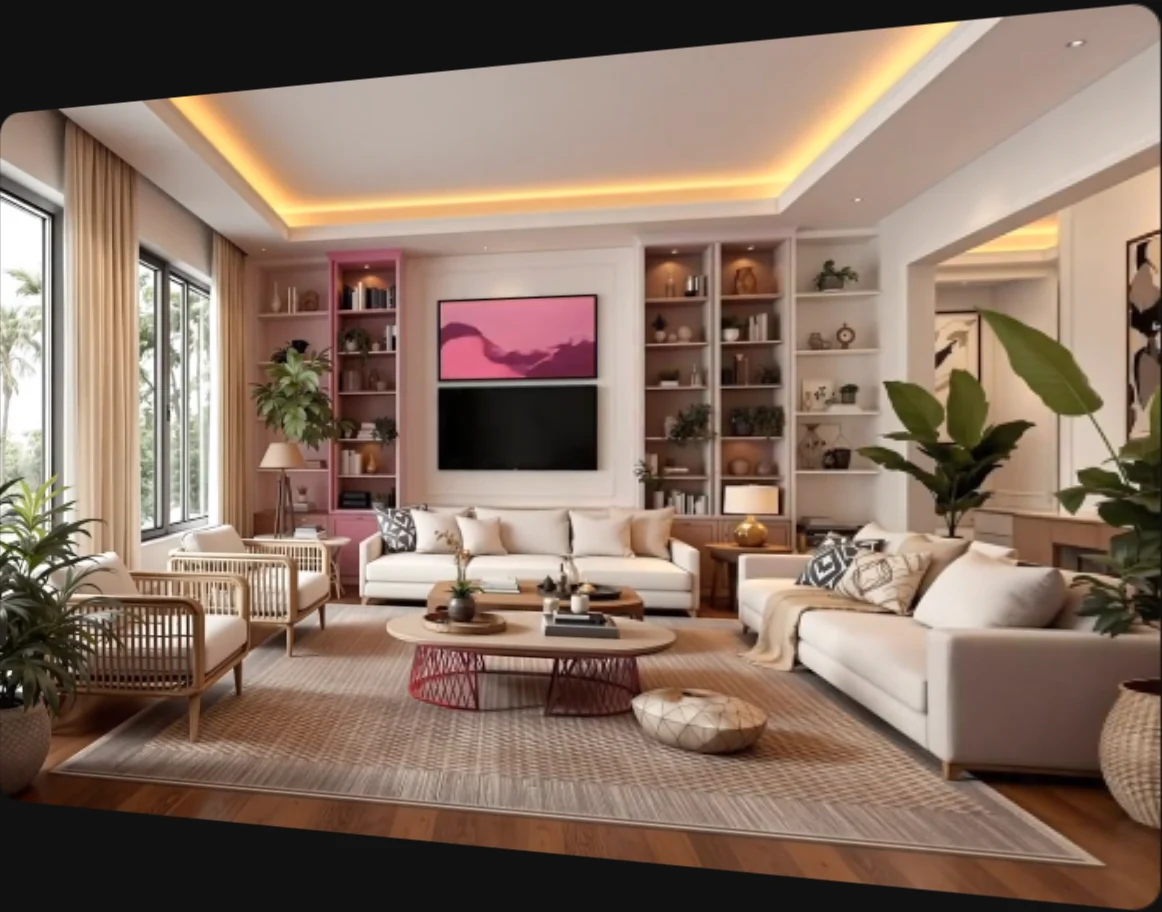
Interior AI’s furnishing demo follows an empty room as finishes, furniture and lighting are added.
Briller starts with your room photo and the problem you want to solve. A moodboard can contribute a particular element, such as a concealed curtain track or a wall finish. You can use that detail to develop the original room rather than settling on a style name alone.
For agents preparing a listing
An empty room needs enough furniture to explain its use without suggesting a different floor plan. Interior AI is worth considering when staging images are the main deliverable. If the owner is also deciding what to renovate before selling, use Briller to work through the proposed finishes and fitting choices. Keep the original property photo alongside the staging.
Plan a listing refreshWall edits, lighting changes and furniture
Interior AI Premium adds wall painting, lighting changes, furniture additions and image editing. Those tools matter if you want several visual variations or need to adjust one part of a staged image. Check the plan: the editing toolkit is broader on Premium than on Pro.
With Briller, refinements can follow the decisions you are making: keep the floor, try a different cabinet finish, then reconsider the lighting. Project history keeps the room’s iterations together. Smart Sparks connect the selected design details with advice you can inspect more closely.
For a refresh with a few things staying
A renter may want a warmer wall colour and different furniture while keeping the flooring and ceiling. Interior AI Premium offers the image edits for that exercise. With Briller, include those limits in the brief and use the advice to discuss removable finishes, existing light points and what the landlord must approve before work starts.
Explore a renter-friendly makeoverGoogle Lens and a workable shopping list
Interior AI Premium lists Google Lens for looking up objects in an image. This can help you find a similar lamp or chair when a render gives you a direction to follow.
Briller’s Shop the Look helps build an item shortlist, while budget-specific advice covers the material and installation choices around it. For a slat wall, for example, compare a foil finish with natural veneer and consider the backing and cable route before ordering panels.
For a furnished rental
Finding a similar chair is only part of buying for a rental. Compare dimensions, cleanability and replacement availability before ordering several rooms’ worth. Interior AI’s Lens lookup can start the search; Briller’s shortlist and budget advice help develop the choices around retained furniture and the work needed to fit new items. Verify stock and prices with the retailer.
Prepare a rental that is easier to maintainImage volume, video and client handover
Interior AI’s plans emphasize design volume. Premium also lists upscaling, walkthrough video and VR, while Pro already includes commercial use. Simultaneous rendering capacity is useful for producing images; the team-seat arrangements still need checking.
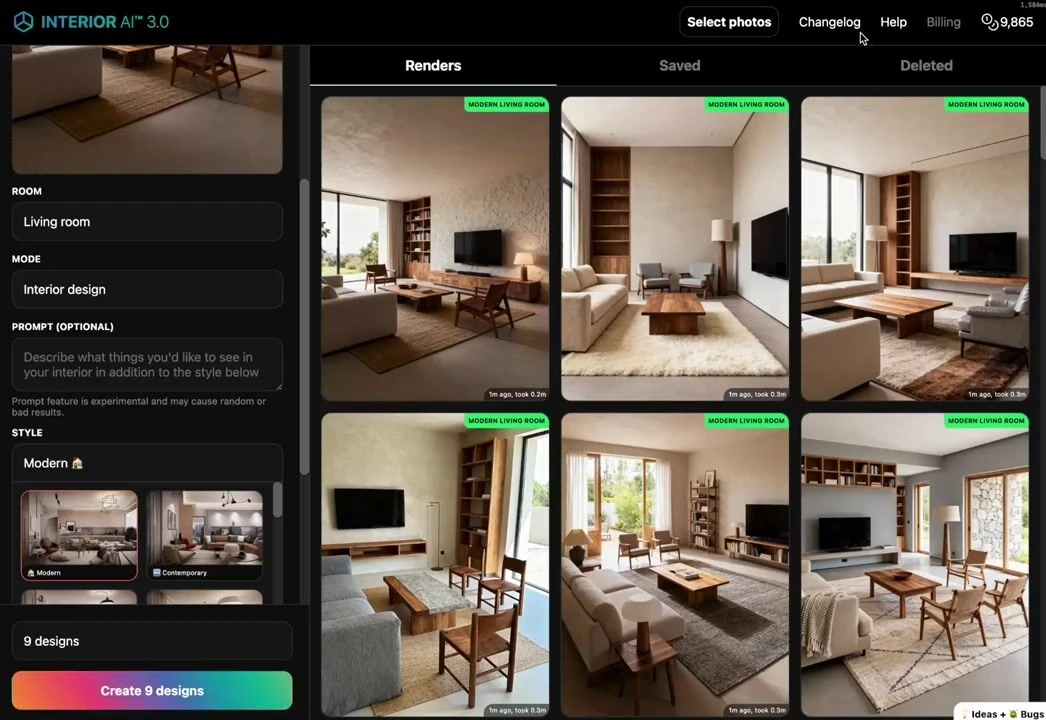
The gallery and design controls at the start of Interior AI’s published 3D walkthrough demo.
Briller Pro Design and Studio / Architect include HD / 4K images and PDF specifications. Every paid Briller plan includes commercial licensing, and Studio / Architect adds shared projects. This is useful when the handover needs to explain the proposed work as well as show the finished look.
For freelance designers
A designer producing many visual directions may value Interior AI’s parallel rendering and larger allowances. A smaller commission may instead need fewer images and a clear explanation of the selected scheme. Briller Pro Design provides the PDF specification for that discussion; Studio adds three seats and shared projects when colleagues need access. Confirm Interior AI’s seat policy before sharing an account.
Build a clearer client proposalPros
- Photo, staging and sketch-based workflows.
- Commercial use is already included on Pro.
- Higher tiers add editing and several presentation formats.
Cons
- The broader editing toolkit requires Premium rather than Pro.
- A recurring, high-volume subscription may be more than a single-room experiment needs.
Best for
Designers and property teams that regularly produce room-photo concepts, staging images and client presentation material.
Monthly subscriptions
Interior AI’s tiers increase design volume and add editing tools. The Briller plans alongside them show the price of basic insights, full specifications and shared projects.
Monthly billing only. Each row pairs plans for a similar job; credits are each provider’s own units, not equal numbers of renders.
Interior AIFree-generation allowance: confirm the current offer.
Briller72-hour Pro trial with 15 credits at registration; Free also available.
| For this kind of work | Interior AI | Briller |
|---|---|---|
| Photo concepts | Pro$49 per month, billed monthly 1,000 designs / month | Explorer$9.99 per month, billed monthly 60 credits / month; 3 projects; 1 seat. Basic Briller insights. |
| Editing and handover | Premium$99 per month, billed monthly 5,000 designs / month | Pro Design$24.99 per month, billed monthly 200 credits / month; unlimited projects; 1 seat. Full material specifications and installation advice across budgets. |
| Larger workloads | Ultra$199 per month, billed monthly 25,000 designs / month | Studio / Architect$69.99 per month, billed monthly 650 credits / month; unlimited projects; 3 seats. Full material specifications and installation advice across budgets. |
Pro includes commercial image use. Premium adds the broader editing toolkit; Ultra mainly increases volume and parallel capacity.
Prices checked:
Briller plans Official website