
BRILLER / Compare
Briller vs HomeDesignsAI
HomeDesignsAI covers room redesign, exteriors and gardens, then adds shopping, budget estimation and team tools on higher plans. Briller brings the focus back to the details you need to specify and fit in the room.
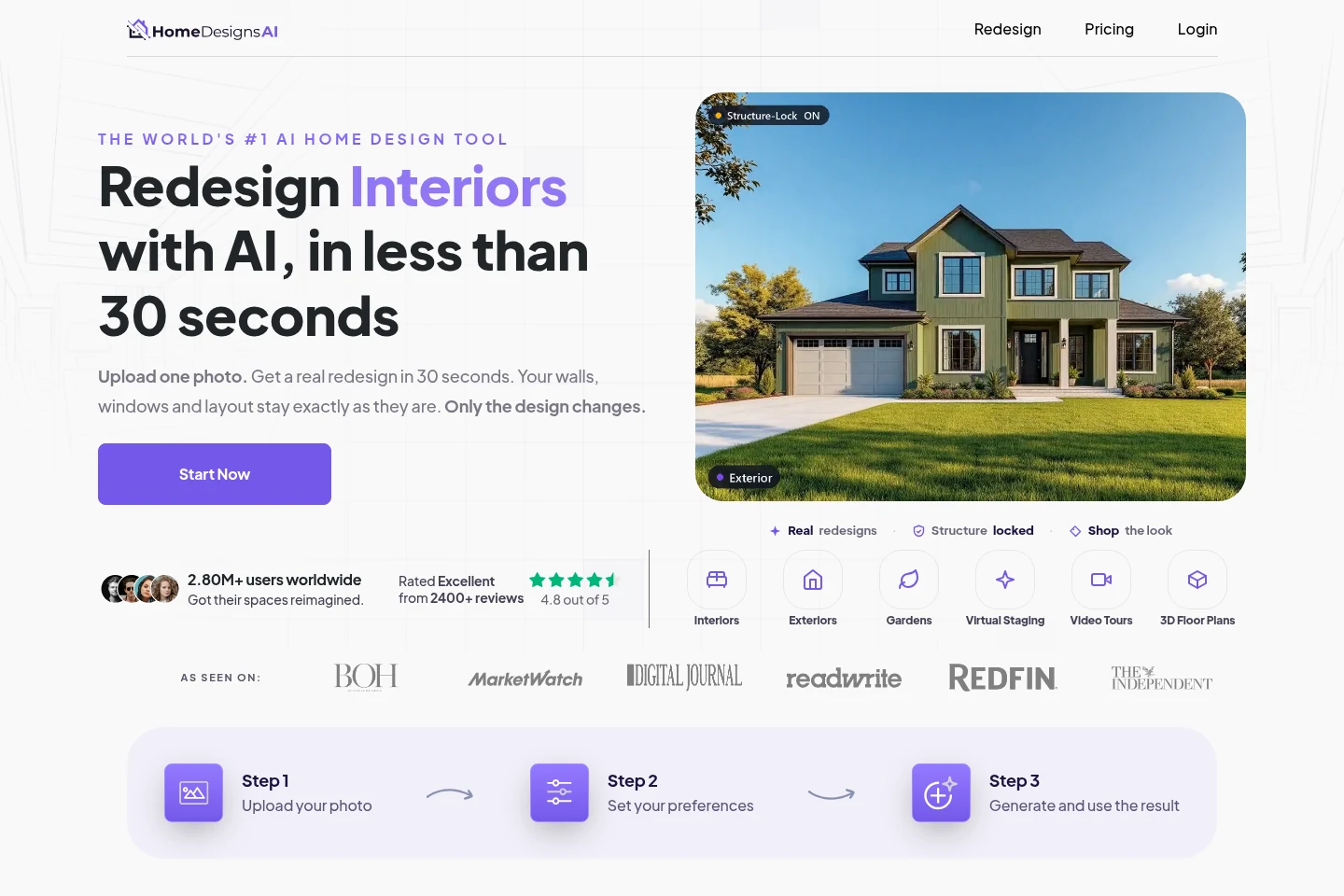
Object detection, material swaps and outdoor spaces
HomeDesignsAI Standard includes photo redesign, colour and material changes, and object detection. Its range covers interiors, façades and gardens, which is useful when several parts of a property are being considered together.
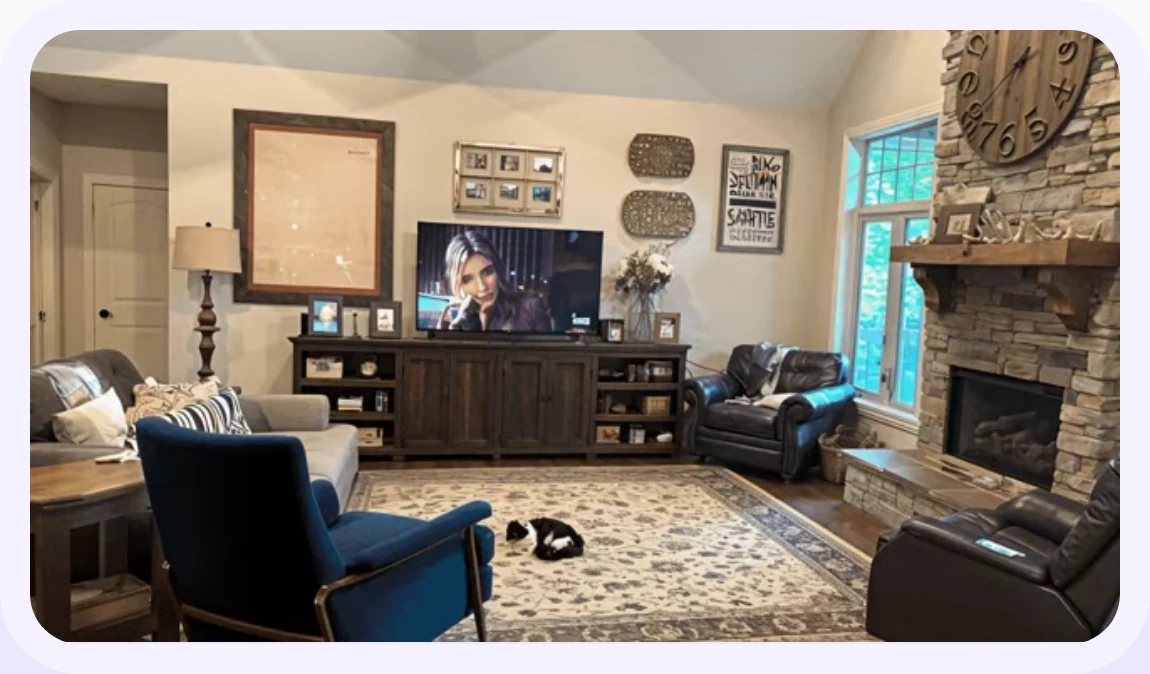
Precision+ demonstrates a focused change to part of the room while the surrounding design stays in view.
Briller helps you develop a room around a practical brief. You can keep elements that already work and explore the changes that matter: the cabinet fronts, a darker worktop area or a better place to store everyday things.
For a garden and exterior refresh
When the brief crosses the back door, compare the patio surface, furniture and façade together. HomeDesignsAI’s exterior and garden tools let you explore that visual relationship. Its Partial Remodel workflow also targets selected changes. In Briller, bring the chosen reference into the brief and discuss finishes and budget; ground levels, drainage and outdoor electrical work still need site checks.
Develop an outdoor-living briefDesign Transfer, Materials Swap and furniture shopping
HomeDesignsAI Pro adds copying a look from an inspiration photo, empty-room staging and finding real furniture to shop. It also includes a commercial licence and watermark-free images; Standard excludes those listed benefits.
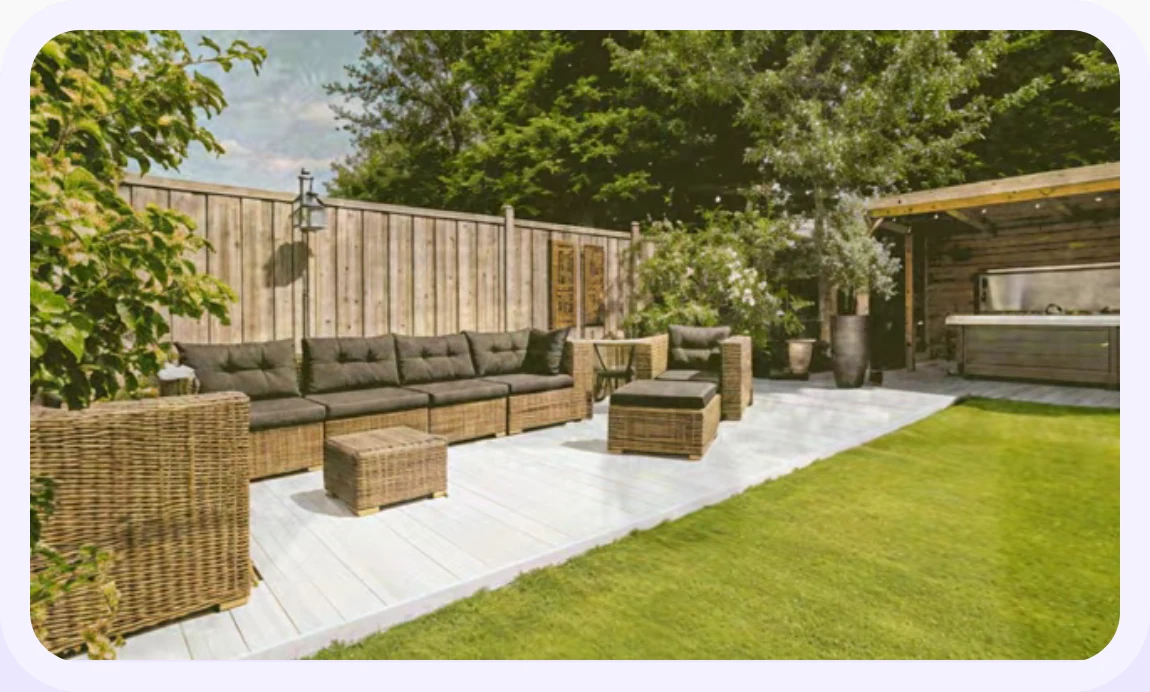
Materials Swap previews different furniture and surface finishes, shown here in an outdoor seating area.
Briller moodboards can contribute specific elements as well as a general look. Shop the Look helps create a shortlist, while the advice can address how those items relate to the room: clearances, retained finishes and the fitting work around them.
For deciding what to keep
A homeowner keeping the floor may need only a new wall colour, fabric and a chair. HomeDesignsAI’s Materials Swap accepts a material reference; Design Transfer borrows a look from an inspiration image, and Pro adds Furniture Finder. Check the subscription access for each named tool. Briller helps connect the selected reference elements with preparation and fitting choices before you buy samples.
Choose a wall finish around what staysExpert’s estimator, floor plans and walkthroughs
HomeDesignsAI Expert includes a budget estimator. It also adds video walkthroughs and 2D-to-3D floor plans. That combination can help present a broader proposal when visual output and an estimate are both needed.
Briller’s budget options go into the specification choices behind the look. For a ceiling glow, you might compare a surface-mounted LED channel with a recessed cove, then consider the ceiling work and driver access each approach needs. Full technical insights are on Pro Design and Studio / Architect.
For a kitchen or bathroom proposal
An estimator and a walkthrough answer different questions: one starts the cost conversation; the other shows the proposal. HomeDesignsAI Expert combines both with 2D-to-3D conversion. For a kitchen, use Briller to explore worktop and splashback alternatives, edge details and fitting access. Confirm how the estimator handles labour and location, and keep appliance dimensions and service positions on the measured plan.
Work through a kitchen or bathroom specificationCommercial rights, tool access and five team seats
HomeDesignsAI Expert includes up to five team seats and the advanced video, plan and budgeting tools. Pro is a different proposition: more image tools, shopping and commercial rights without those Expert additions.
Briller Studio / Architect supports shared projects, while Pro Design and Studio / Architect include PDF specifications and HD / 4K exports. Choose around the handover you need: a picture for discussion, a product shortlist or an explanation of the proposed specification.
For a small design practice
A five-person practice should compare the work each seat needs to do. HomeDesignsAI Expert includes up to five seats and its advanced presentation tools. Briller Studio has three seats and shared projects, with full advice and PDFs. Before choosing, test one representative client brief through the tools you will actually use and confirm HomeDesignsAI’s seat permissions and advanced-tool credit costs.
Shape a repeatable client workflowPros
- Interiors, exteriors and gardens in one product.
- Named tools for changing materials, borrowing references and finding furniture.
- Expert supports a five-person team.
Cons
- Standard excludes the commercial licence and watermark-free output listed on Pro.
- Budget estimation, video and plan conversion require Expert.
Best for
Homeowners exploring several parts of a property, and small practices that need photo tools, shopping and presentation options together.
Monthly subscriptions
Standard is the core redesign plan. Pro adds shopping and commercial rights; Expert adds budget estimation, video, plan conversion and team seats.
Monthly billing only. Each row pairs plans for a similar job; credits are each provider’s own units, not equal numbers of renders.
HomeDesignsAIConfirm the current trial allowance.
Briller72-hour Pro trial with 15 credits at registration; Free also available.
| For this kind of work | HomeDesignsAI | Briller |
|---|---|---|
| Personal redesign | Standard$22 per month, billed monthly 100 design credits / month | Explorer$9.99 per month, billed monthly 60 credits / month; 3 projects; 1 seat. Basic Briller insights. |
| Commercial image work | Pro$29 per month, billed monthly 1,000 design credits / month | Pro Design$24.99 per month, billed monthly 200 credits / month; unlimited projects; 1 seat. Full material specifications and installation advice across budgets. |
| Advanced tools and team | Expert$37 per month, billed monthly 2,000 design credits / month | Studio / Architect$69.99 per month, billed monthly 650 credits / month; unlimited projects; 3 seats. Full material specifications and installation advice across budgets. |
A photo redesign uses 1 credit. Video and other advanced tools may use more; check the tools needed for your project.
Prices checked:
Briller plans Official website